Test Your PC Hardware Directly In Your Browser.
Test your mouse, keyboard, audio devices, display, webcam, controller and other PC hardware with simple browser-based testing tools.
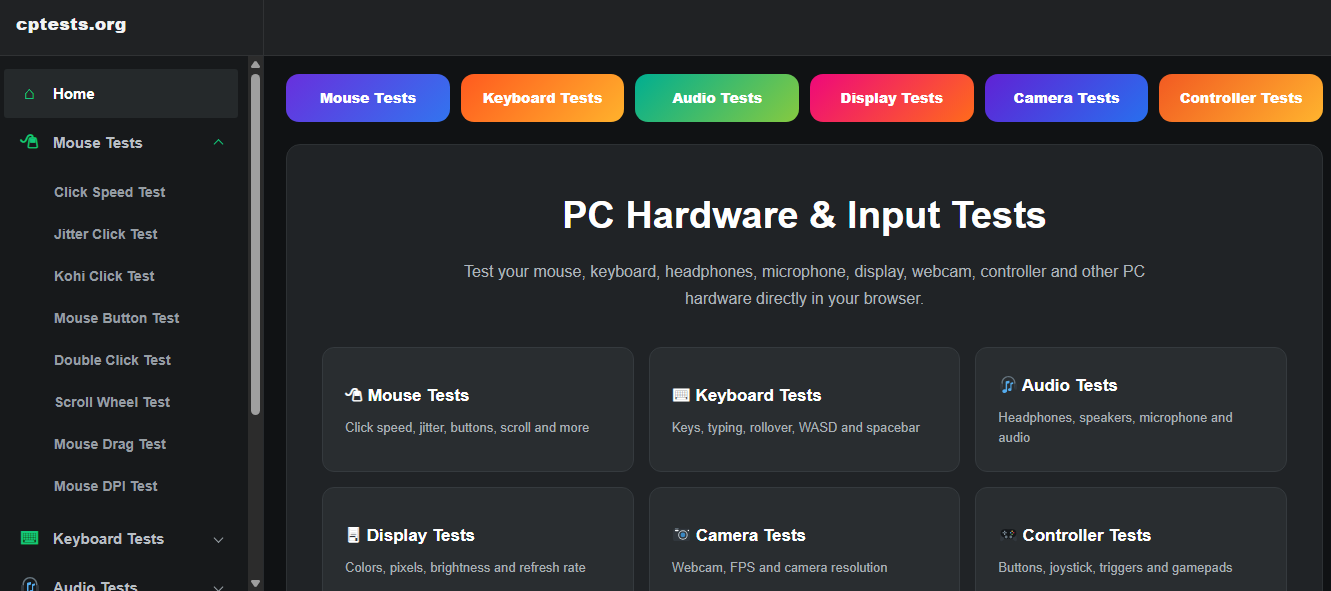
Test Your Computer Hardware
Quickly check the performance and behavior of your computer input and connected devices.
Mouse Tests
Click speed, jitter, buttons, scrolling, dragging and DPI testing.
Explore Mouse Tests →Keyboard Tests
Test keys, typing, rollover, WASD, spacebar and keyboard input.
Explore Keyboard Tests →Audio Tests
Test headphones, speakers, microphones and browser audio.
Explore Audio Tests →Display Tests
Check colors, pixels, brightness, contrast and refresh rate.
Explore Display Tests →Camera Tests
Test webcam access, camera resolution, FPS and image quality.
Explore Camera Tests →Controller Tests
Test buttons, joysticks, triggers and gamepad input.
Explore Controller Tests →
Everything You Need To Test Your Devices.
CPTests brings useful PC hardware testing tools together in one clean browser-based platform.
Mouse Diagnostics
Check buttons, clicks, movement and scrolling behavior.
Keyboard Diagnostics
Detect key presses and test keyboard functionality.
Camera & Audio
Quickly verify camera, microphone and audio device access.
Display Testing
Examine screen colors, pixels and display behavior.
Test Your Hardware In Three Simple Steps.
No complicated installation. Open the test, allow the required browser permission and start.
Select a Test
Choose the hardware category you want to test.
Allow Access
Give your browser access to the device when required.
Start Testing
Interact with the test and review the results directly in your browser.
Simple Tools For Better Hardware Checks.
CPTests is designed to make common computer hardware checks simple and accessible from a web browser.
Whether you are checking a new mouse, troubleshooting a keyboard, testing a webcam or verifying a controller, the platform provides dedicated tools for different devices.
Browse All Tests →const device = “mouse”;
test.buttons();
test.movement();
test.scroll();
test.dpi();
✓ Test completed
Check Your Hardware Right Now.
Choose a test and start checking your computer hardware directly from your browser.